
15 Best Free Math Games for School Chromebooks in 2026 (No Sign-Up Required)
Looking for safe, lightweight, and interactive math games that work on school Chromebooks without sign-up or lag? Here are the 15 best free math games for classrooms.
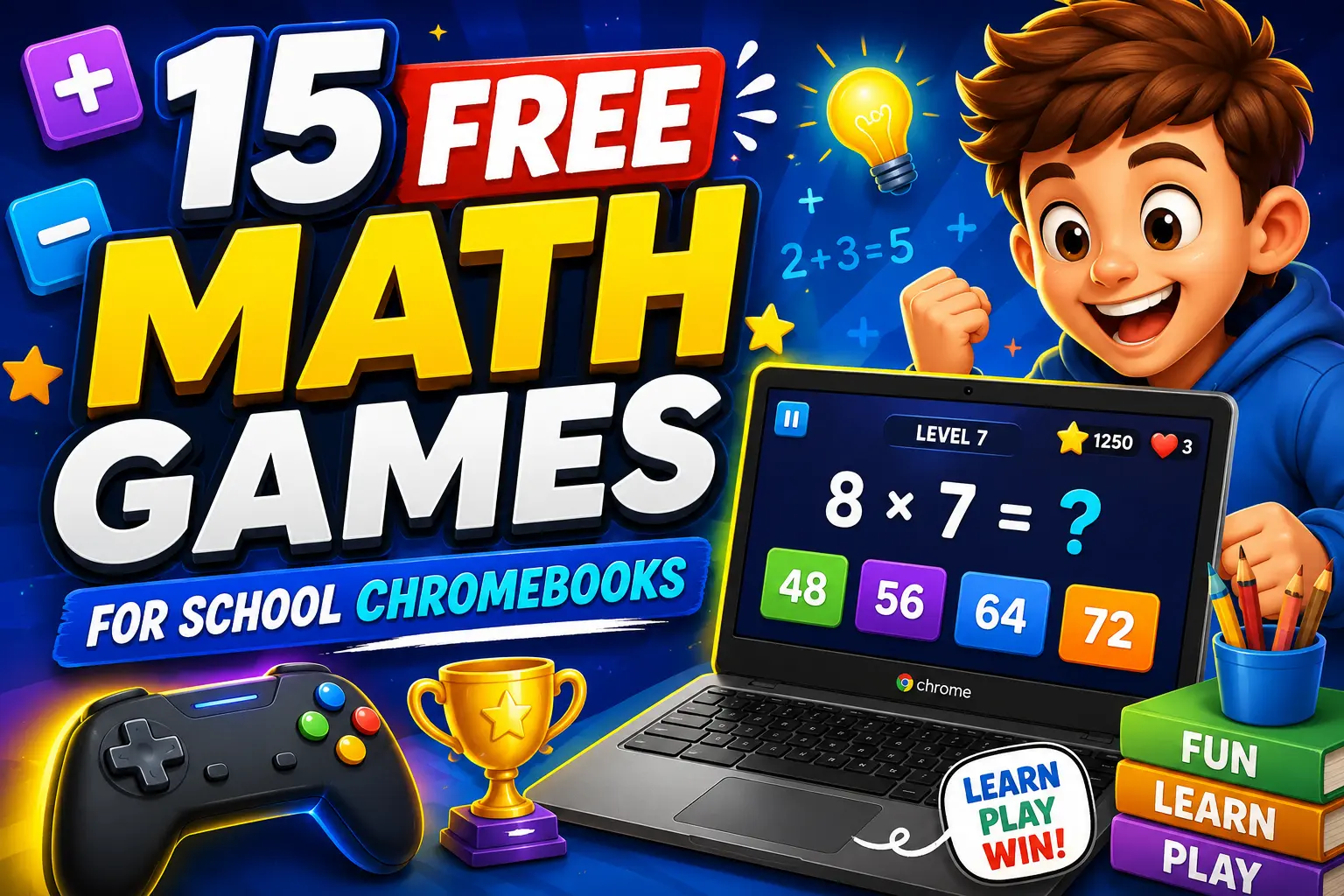
Quick Summary: If you are a teacher looking for engaging math warm-ups or a student wanting to practice calculations without frustrating school firewall blocks, finding fast, lightweight, and safe web games is crucial. Most school Chromebooks run on restricted networks with strict content filters (like Securly or GoGuardian) and modest hardware that lags under heavy advertising scripts.
To help you find high-yield, distraction-free games, we tested dozens of browser-based educational platforms on standard 11-inch classroom Chromebooks. Here are the 15 best free math games for school Chromebooks in 2026 that require zero accounts, zero downloads, and zero logins.
Quick Comparison Table: Top Chromebook Math Games
| Game Name | Key Focus Area | Target Grade | Player Mode | Instant Classroom Play |
|---|---|---|---|---|
| MathTug (Tug of War) | Fact Fluency (+, -, ×, ÷) | Grades K–8 | 2-Player Split Screen / 1v1 | ✅ 100% Free (No Login) |
| Number Maze 4×4 | Arithmetic Path Logic | Grades 1–6 | Single Player Puzzle | ✅ Instant Play |
| Arrow Puzzle | Spatial & Direction Logic | Grades 2–8 | Logic Strategy | ✅ Instant Play |
| Math Minesweeper | Grid Logic & Addition | Grades 3–8 | Single Player | ✅ Instant Play |
| Memory Match Math | Working Memory & Fact Pairs | Grades K–5 | Solo / Timed | ✅ Instant Play |
| Greg Tang Kakooma | Rapid Sum & Product Search | Grades 2–6 | Solo Challenge | ✅ Free Access |
| Math Playground - Grand Prix | Multiplication Fact Racing | Grades 3–5 | Multiplayer Online | ✅ Free Access |
1. MathTug: Math Tug of War (Classroom Favorite)
- Target Skills: Addition, Subtraction, Multiplication Tables (2–12), Division
- Target Grade: Grades K–8
- Why It Works on Chromebooks: Lightweight HTML5 canvas, zero frame drops, and built-in split-keyboard controls.
MathTug's flagship Math Tug of War game transforms math drills into an exhilarating 2-player battle on a single screen. Two students share a keyboard (Player 1 uses W/A/S/D or number keys, Player 2 uses Arrow Keys). Each correct mental calculation pulls the rope toward their side, while incorrect answers create a momentary tug penalty.
Teacher Classroom Tip: Pair students of similar calculation speed and run a 5-minute warm-up tournament in your Chromebook Classroom Hub. 👉 Play Math Tug of War Now →
2. Number Maze (Path-Finding Math Puzzle)
- Target Skills: Step-by-step arithmetic sequencing, mental sums, and path planning
- Target Grade: Grades 1–6 (Available in 4×4 Easy, 5×5 Medium, and 6×6 Hard grids)
Instead of generic flashcards, Number Maze challenges students to navigate a grid from the starting square to the goal by selecting numbers that satisfy consecutive mathematical rules. It encourages spatial planning alongside arithmetic verification. 👉 Play Number Maze Online →
3. Arrow Puzzle (Logic & Directional Reasoning)
- Target Skills: Logical deduction, spatial navigation, and geometry foundations
- Target Grade: Grades 2–8
Arrow Puzzle presents a grid filled with directional arrows where students must determine the unique sequence that clears the board. It serves as an exceptional non-timer warmup for students who struggle with math anxiety or task initiation. 👉 Play Arrow Puzzle Now →
4. Memory Match Math (Fact Pair Challenge)
- Target Skills: Matching equations with solutions, working memory, and mental fluency
- Target Grade: Nursery to Grade 5
Traditional memory match games flip simple pictures; MathTug's Memory Match Math requires students to match an equation (e.g., 7 × 8) with its correct product tile (56). 👉 Play Memory Match Duel →
5. Math Minesweeper (Educational Grid Deduction)
- Target Skills: Grid coordinates, mental addition, and risk-reward deduction
- Target Grade: Grades 3–8
Adapted from the classic logic game, Math Minesweeper uses numerical clues to help students deduce safe tiles across four difficulty tiers. 👉 Play Math Minesweeper →
6. Odd or Even Blitz
- Target Skills: Parity recognition, number properties, and speed classification
- Target Grade: Grades K–4
A high-tempo sorting game where rapid-fire numbers fall down the screen, requiring students to categorize them before they reach the baseline. 👉 Play Odd vs Even Blitz →
7. Equation Builder
- Target Skills: Balancing algebraic equations, order of operations, and inverse relationships
- Target Grade: Grades 3–8
Students receive target values and must assemble operators (+, -, ×, ÷) and digit tiles to build a valid mathematical identity in Equation Builder. 👉 Play Equation Builder →
8. Balance Scale Math
- Target Skills: Pre-algebra concepts, visual equilibrium, and weight estimation
- Target Grade: Grades K–6
A virtual visual scale where students experiment with weights and unknown quantities to achieve balance in Balance Scale Math. 👉 Play Balance Scale Math →
9. Skip Count Duel
- Target Skills: Counting in 2s, 5s, 10s, and 3s, laying the foundation for multiplication tables
- Target Grade: Grades K–3
A head-to-head sprint in our 2-Player Games Arena where students race to complete missing number sequences. 👉 Play Skip Count Duel →
10. Fraction Frenzy
- Target Skills: Equivalent fractions, visual pie slices, and fraction comparisons
- Target Grade: Grades 3–6
Visualizing fractions is often a stumbling block for 3rd and 4th graders. Fraction Frenzy uses intuitive bar and circular models to make fraction equivalence tactile. 👉 Play Fraction Frenzy →
11. Prime Patrol
- Target Skills: Prime vs. composite identification, divisibility rules, and factor trees
- Target Grade: Grades 4–8
Students identify prime numbers from rapid streams of mixed integers in Prime Patrol. 👉 Play Prime Patrol →
12. Math Bubbles Pop (Calm & Focus Modes)
- Target Skills: Mental math under gentle, low-sensory conditions (ADHD-friendly)
- Target Grade: Grades K–5
Designed with ADHD and sensory considerations in mind in our Zen Math ADHD Suite, this game removes aggressive timers. 👉 Play Math Bubble Pop →
13. Greg Tang Math: Kakooma
- Target Skills: Rapid additive and multiplicative pattern discovery
- Target Grade: Grades 2–6
In Kakooma, students inspect a hexagon of numbers to locate the single number that equals the sum or product of two others. For printable classroom practice, check out our Free Printable Math Worksheets.
14. Math Playground: Grand Prix Multiplication
- Target Skills: 0–12 times table recall under racing conditions
- Target Grade: Grades 3–5
A popular multi-car racing game where answering multiplication facts accurately and quickly propels your racecar across the finish line.
15. GeoGebra Elementary Applets
- Target Skills: Dynamic geometry, angle measurement, and geometric transformations
- Target Grade: Grades 4–8
Interactive web sliders that allow students to physically stretch triangles, rotate polygons, and observe angle sum theorem rules in real time.
Why Schools Whitelist MathTug on District Networks
Unlike generic gaming portals that host violent, distracting, or unmoderated flash-style games, MathTug is built with strict educational safety standards:
- Zero Account Creation: No student names, emails, or personal identifiers are ever collected, ensuring 100% compliance with COPPA and FERPA privacy regulations.
- Zero Audio Popups: Games maintain silent audio defaults so classrooms remain quiet and focused during smartboard sessions.
- Instant Lightweight Performance: Optimized for low-power Chromebooks with under 1.5-second load times and zero CPU lag.
Frequently Asked Questions (FAQ)
Why do school Chromebooks block certain math game websites?
School district firewalls (such as GoGuardian, Securly, and Fortinet) use automated keyword filters to block websites containing unmoderated chat rooms, heavy advertisements, or non-educational video games. MathTug is categorized strictly as an educational curriculum tool, making it fully accessible across school wifi networks.
Do these games require Adobe Flash or external plugins?
No. All 15 games listed above are built using modern HTML5, CSS3, and JavaScript standards. They run natively in Google Chrome on any Chromebook, Windows PC, Mac, or iPad without third-party plugins.
Can two students play on one Chromebook without an extra mouse?
Yes! Games like MathTug (Tug of War) are specifically coded with dual-keyboard bindings (left-side W/A/S/D keys vs. right-side Arrow Keys) so two students can compete side-by-side on a single laptop screen.
Recommended Hands-on Math & Focus Tools
Top-rated learning tools on Amazon that support the strategies in this article:
📥 Get Our Free Classroom Math Puzzles & Worksheets
Enjoyed this guide? Join our educator community and receive weekly printable activities and mental math worksheets.
About the Author: Shubham
Math Educator & Developer
Shubham is a dedicated math educator and software engineer with a passion for gamifying education. He created MathTug to help teachers and parents utilize interactive digital games on smartboards and projectors to make math learning collaborative, active, and stress-free for kids.
Learn more about our educational mission on the About Us page →Enjoyed this post?
Share it with your colleagues or explore more fun ways to teach math on MathTug.
🎮 Play Games